One click on review
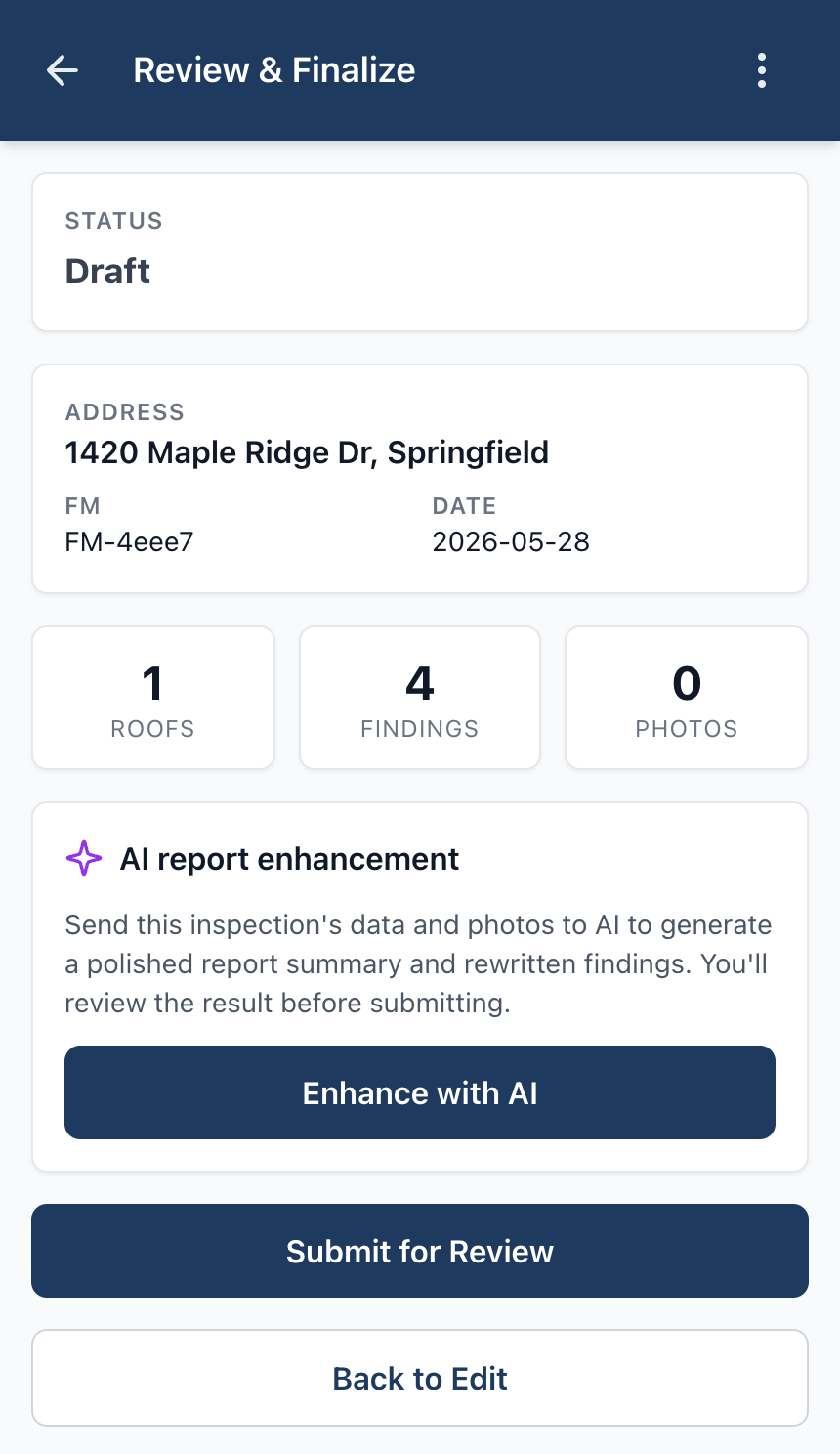
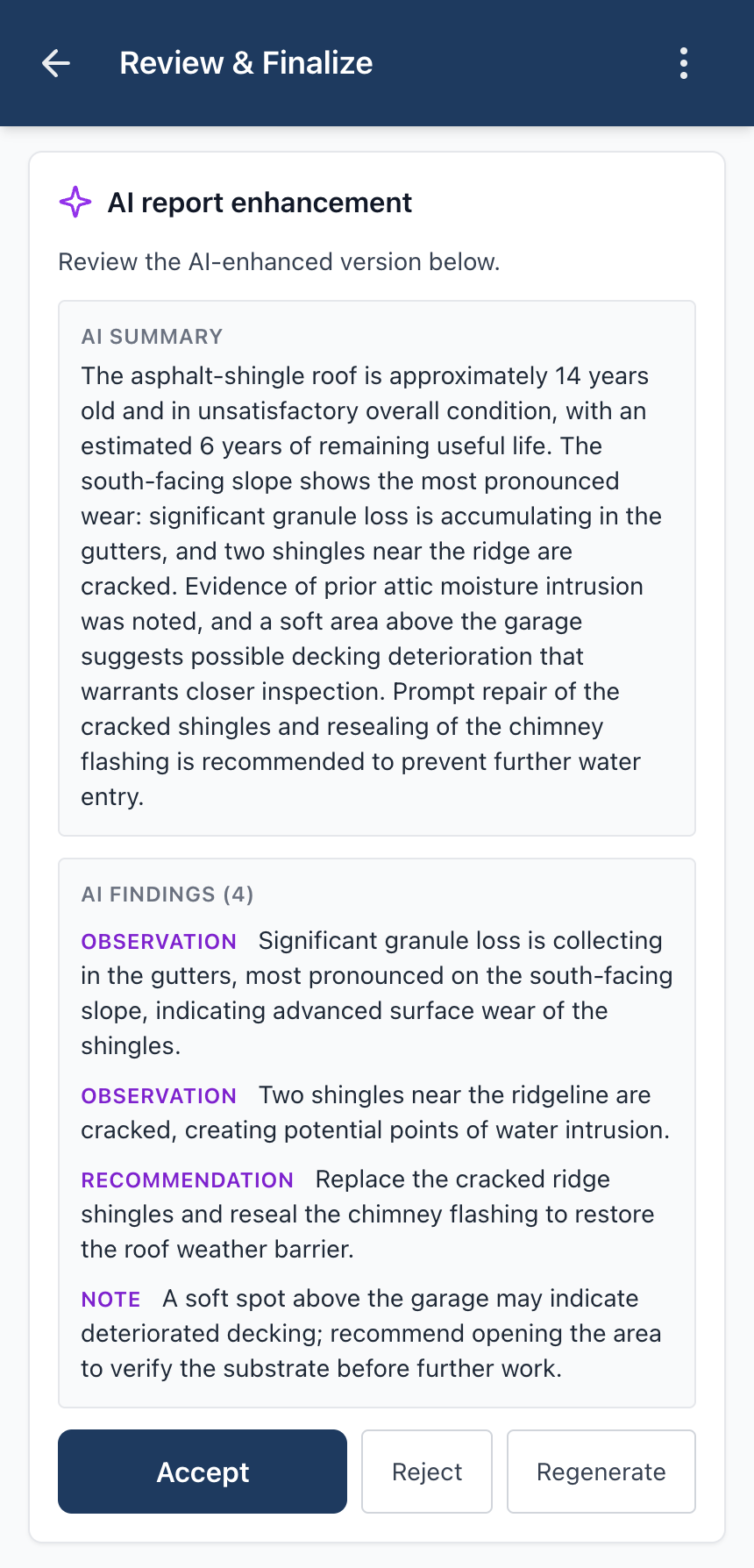
On the Review & Finalize screen, tap “Enhance with AI.” Apex sends the inspection's data and photos to the model and returns a polished summary plus rewritten findings.

Turn raw field notes into a polished, client-ready summary — in one click.
Available on Pro and Business, AI report enhancement rewrites your rough field notes into a clean summary and tightened findings. You don't bring an API key — provider integration is managed for you. And nothing reaches the client until you approve it.
On the Review & Finalize screen, tap “Enhance with AI.” Apex sends the inspection's data and photos to the model and returns a polished summary plus rewritten findings.
Every AI draft is shown alongside your original. Accept it, reject it and keep your own words, or regenerate — your call.
No API keys, no third-party billing. AI usage is included in your subscription up to fair-use limits.
Nothing reaches the client until you say so.
Apex provisions your workspace the moment you check out — usually a couple of minutes — and emails your login. No charge until the 7-day free trial converts.