You approve every value
Voice-to-Form proposes — it never writes. A review screen shows each field and finding it pulled from your words, each with a checkbox. Nothing reaches the inspection until you tap Apply.

Tap the mic, walk the property, and describe the inspection out loud — once, the way you'd tell a coworker. Apex turns that into a filled-in form: every field it can place, already set, with your findings drafted and sorted. You review and apply. The single biggest time-saver we've ever shipped.
Voice dictation drops your words into one field. Voice-to-Form fills out the whole inspection. Narrate the job in plain language and Apex reads the entire transcript at once — mapping what you said to the right fields for that discipline, drafting your findings by category, and showing you everything before a single value is saved.
No commands, no field names, no pauses. Talk the way you already think about the job — Apex does the filing.
“North roof's asphalt shingle, about fifteen years old, overall it's satisfactory — but two vent boots are cracked, I'd recommend replacing them. There's a dog on site.”
What lands in the form: covering material → asphalt shingle, roof age → 15 years, overall condition → satisfactory, and a recommendation finding → “Replace two cracked vent boots.” The aside about the dog is set aside as unmatched, so nothing you said gets lost — and nothing irrelevant gets forced into a field.
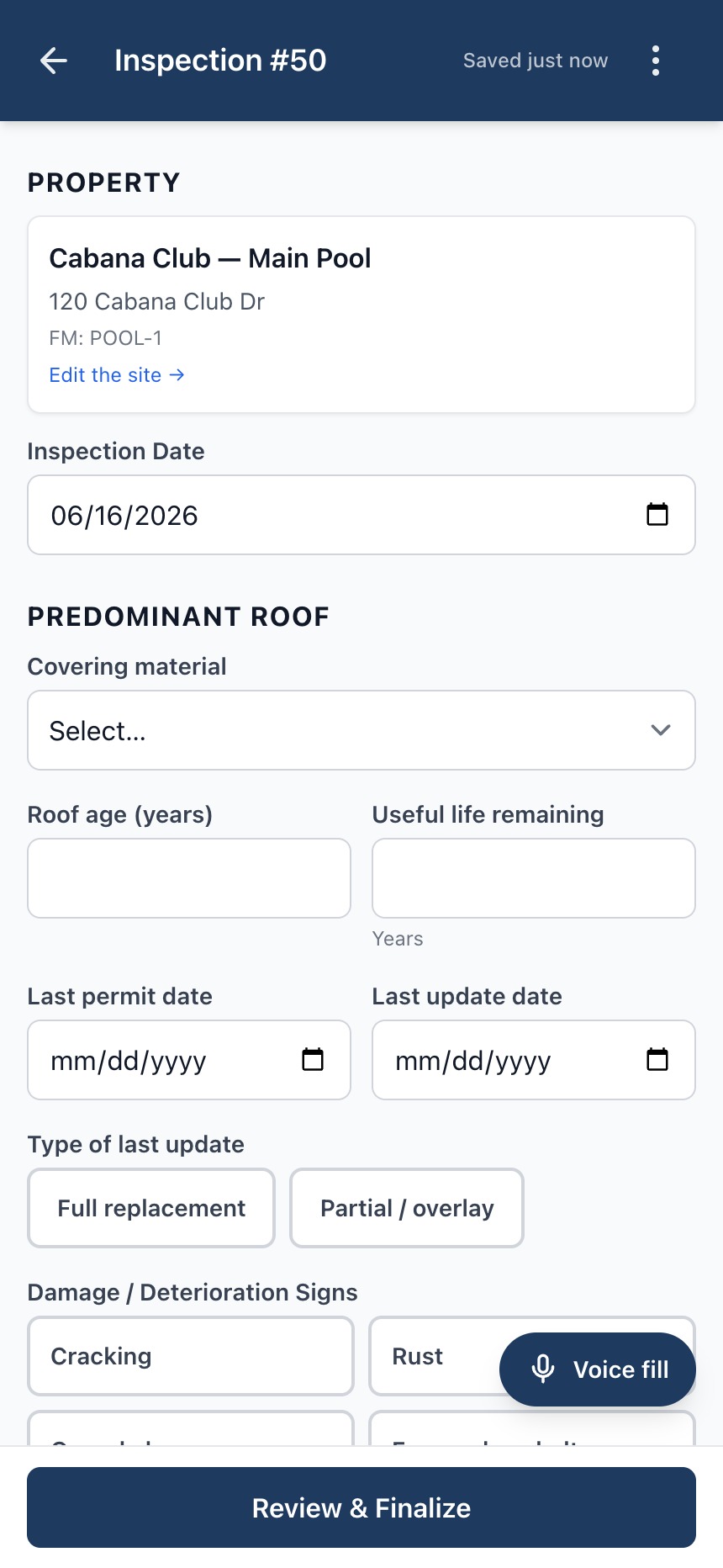
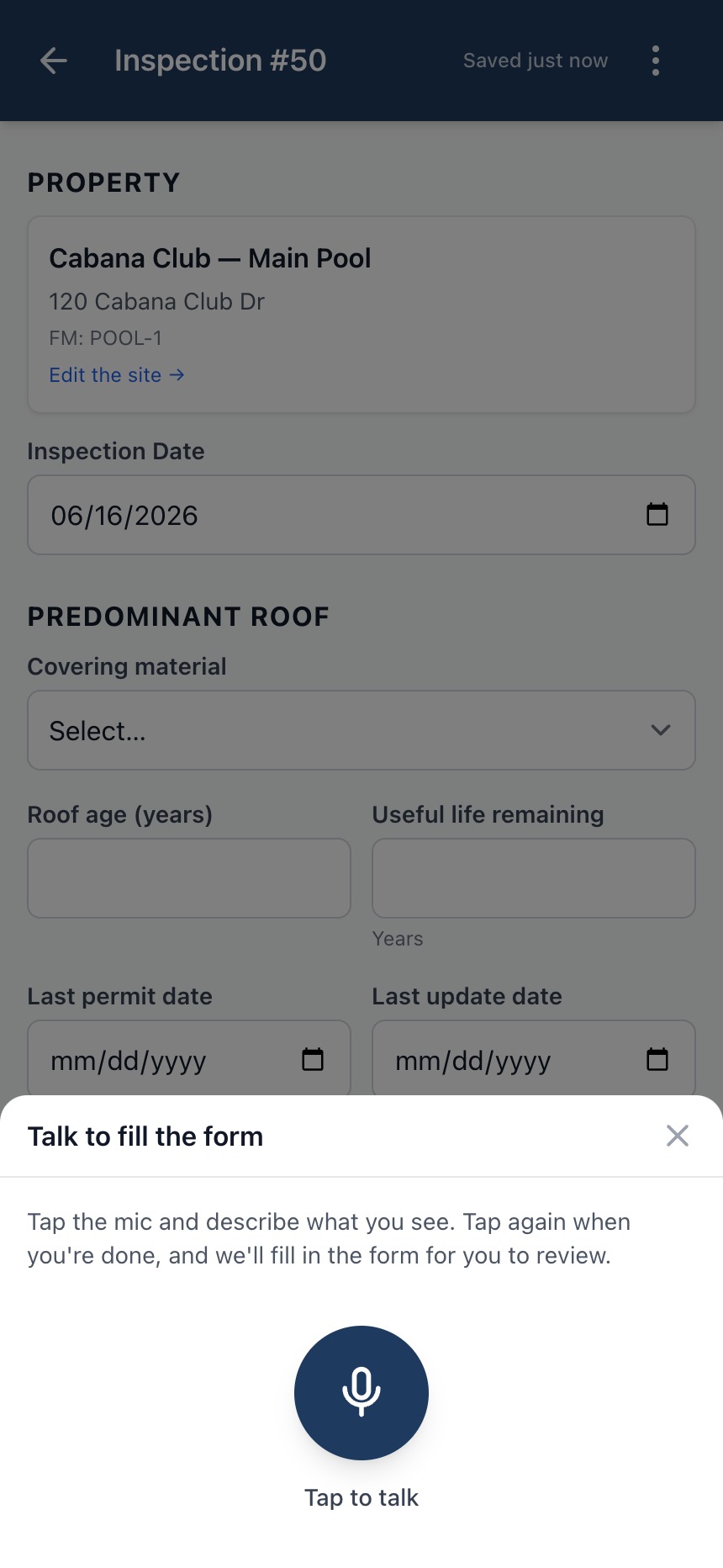
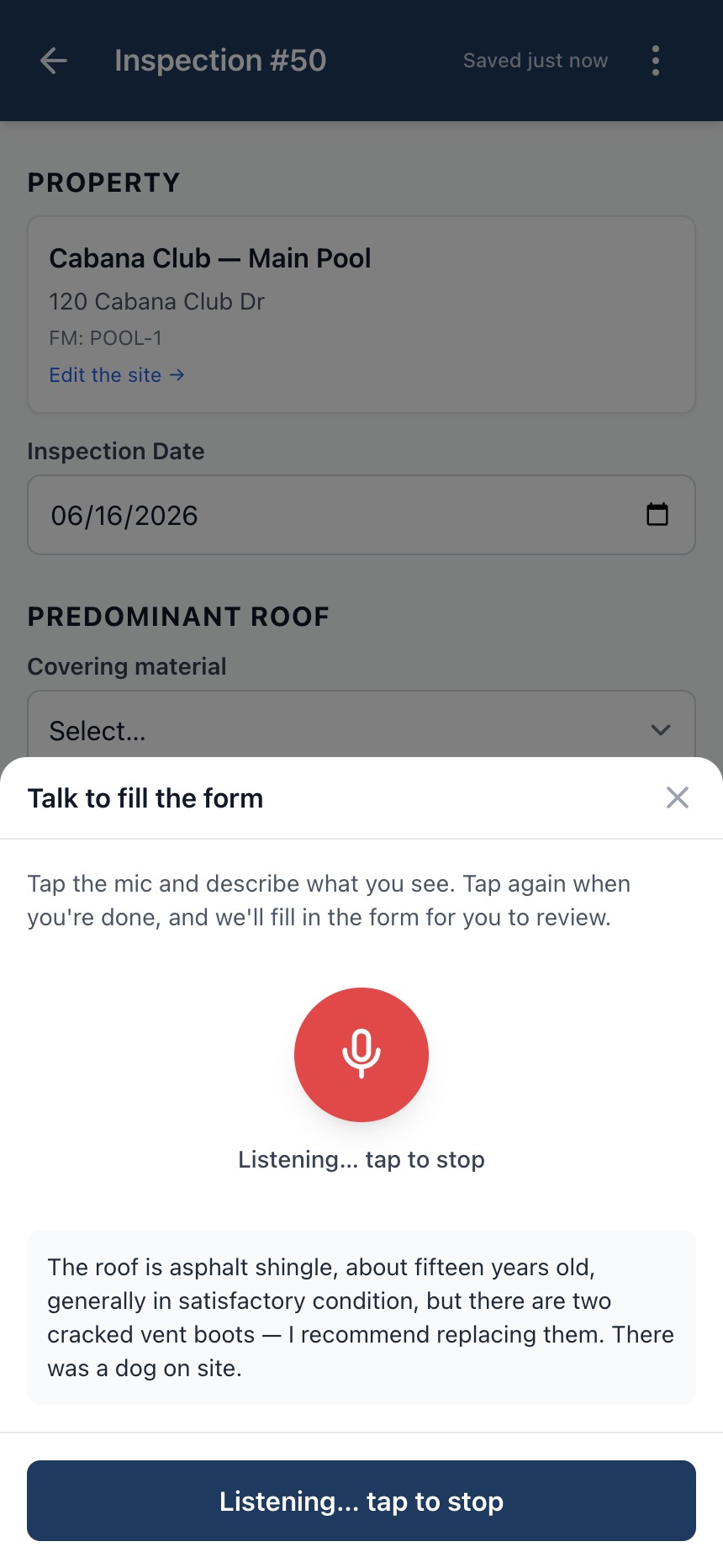
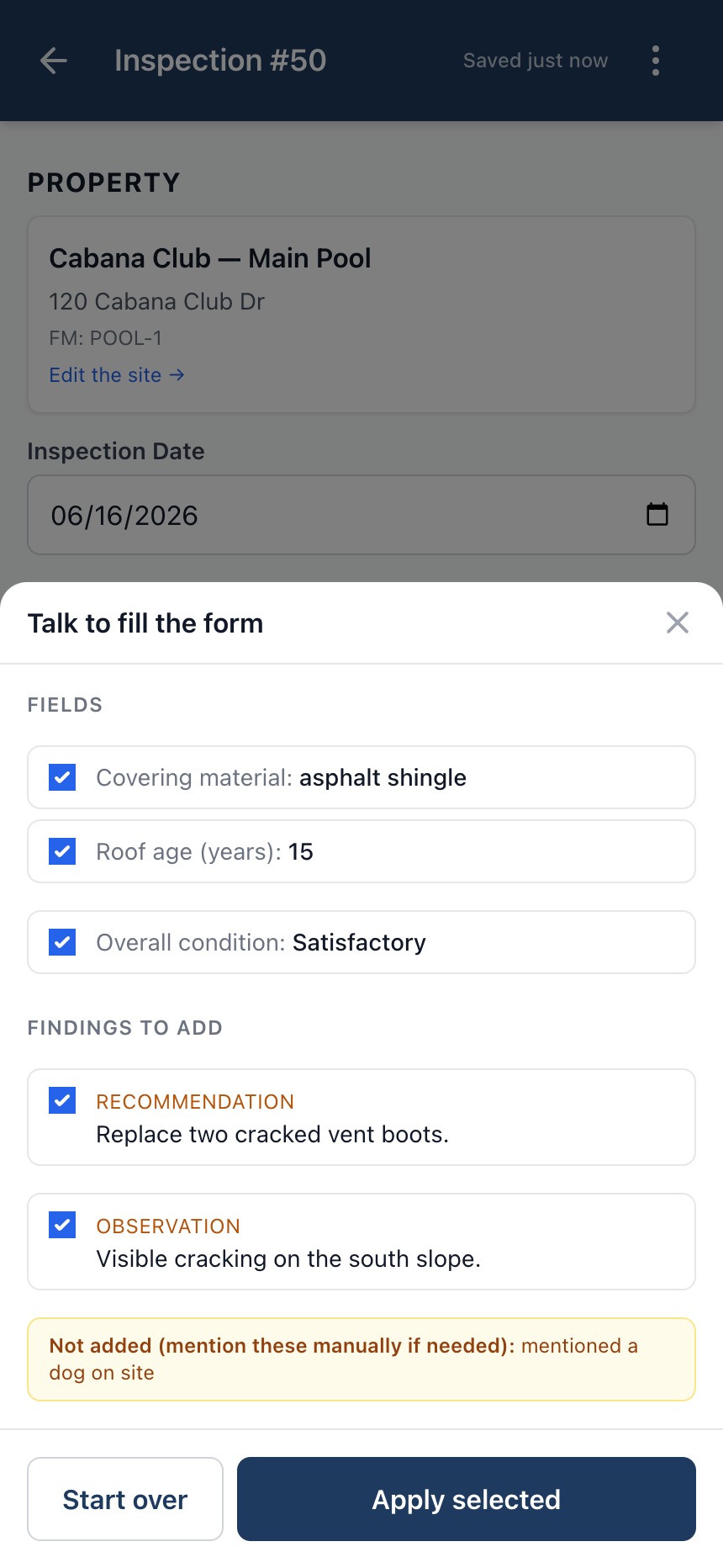
Voice-to-Form proposes — it never writes. A review screen shows each field and finding it pulled from your words, each with a checkbox. Nothing reaches the inspection until you tap Apply.
Anything you said that doesn't map to a field is surfaced as “unmatched” instead of being silently dropped or shoved somewhere wrong — so you can decide where it belongs.
Roof, pool, HVAC, pest, lawn, electrical, plumbing, solar, garage door, backflow, fire extinguisher, and septic — Voice-to-Form knows the fields for each of the twelve.
Observations, recommendations, and notes are pulled out of your narration and dropped into the right category — the same three-bucket findings list you'd fill in by hand.
Narrate in either language and the proposals come back in the language your workspace expects — the same bilingual pipeline behind the rest of Apex.
The model integration is handled for you — no API key, no config. Voice-to-Form is included on Pro and Business workspaces.
Apex provisions your workspace the moment you check out — usually a couple of minutes — and emails your login. No charge until the 7-day free trial converts.